
01
Develop with AI
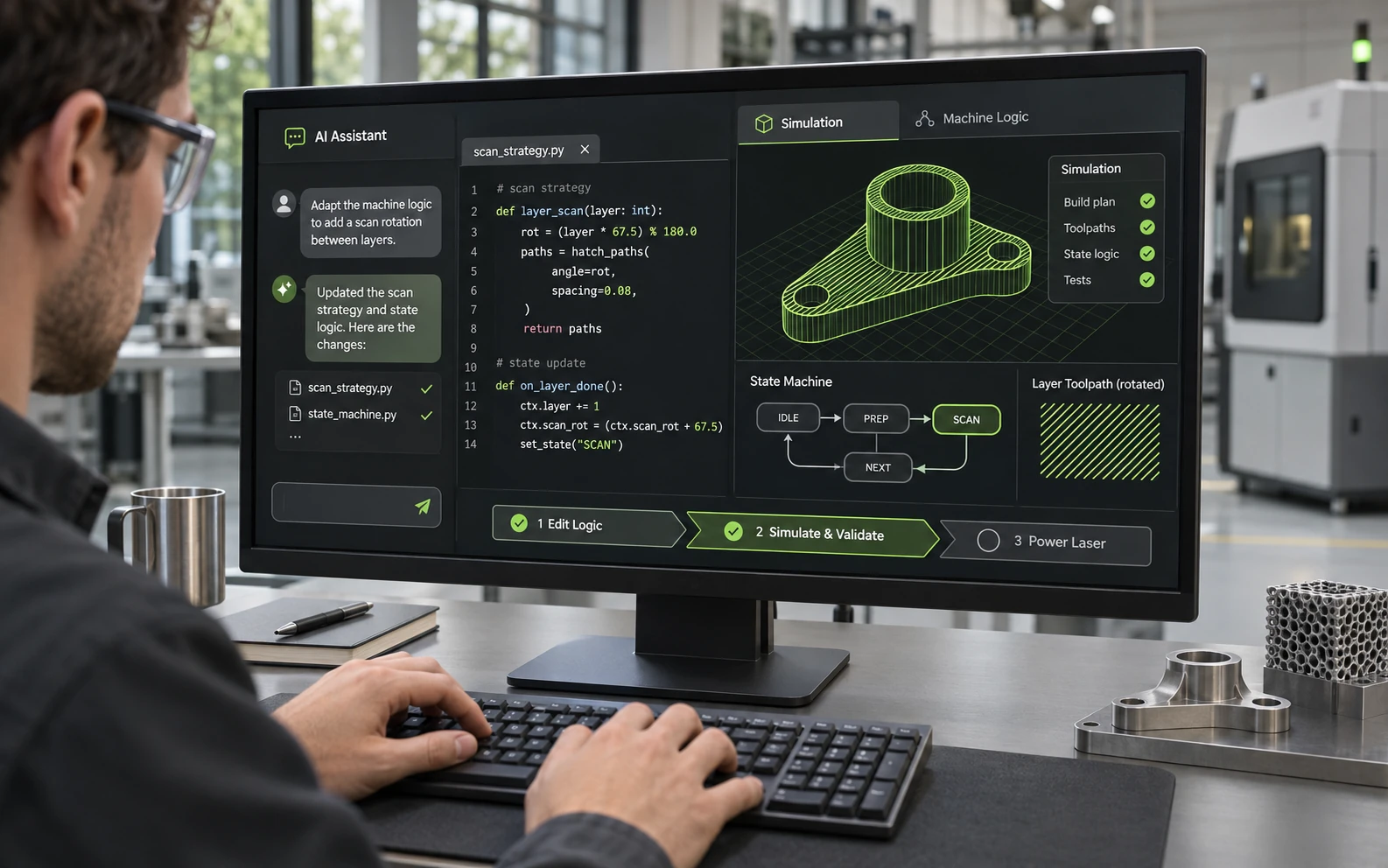
Extend the machine software with help from an AI coding assistant. Project rules for your LLM are included. Test changes in simulation before powering a laser.
Concept illustration.
Features
Develop
Extend the machine software with help from an AI coding assistant. Project rules for your LLM are included. Test changes in simulation before powering a laser.
Concept illustration.
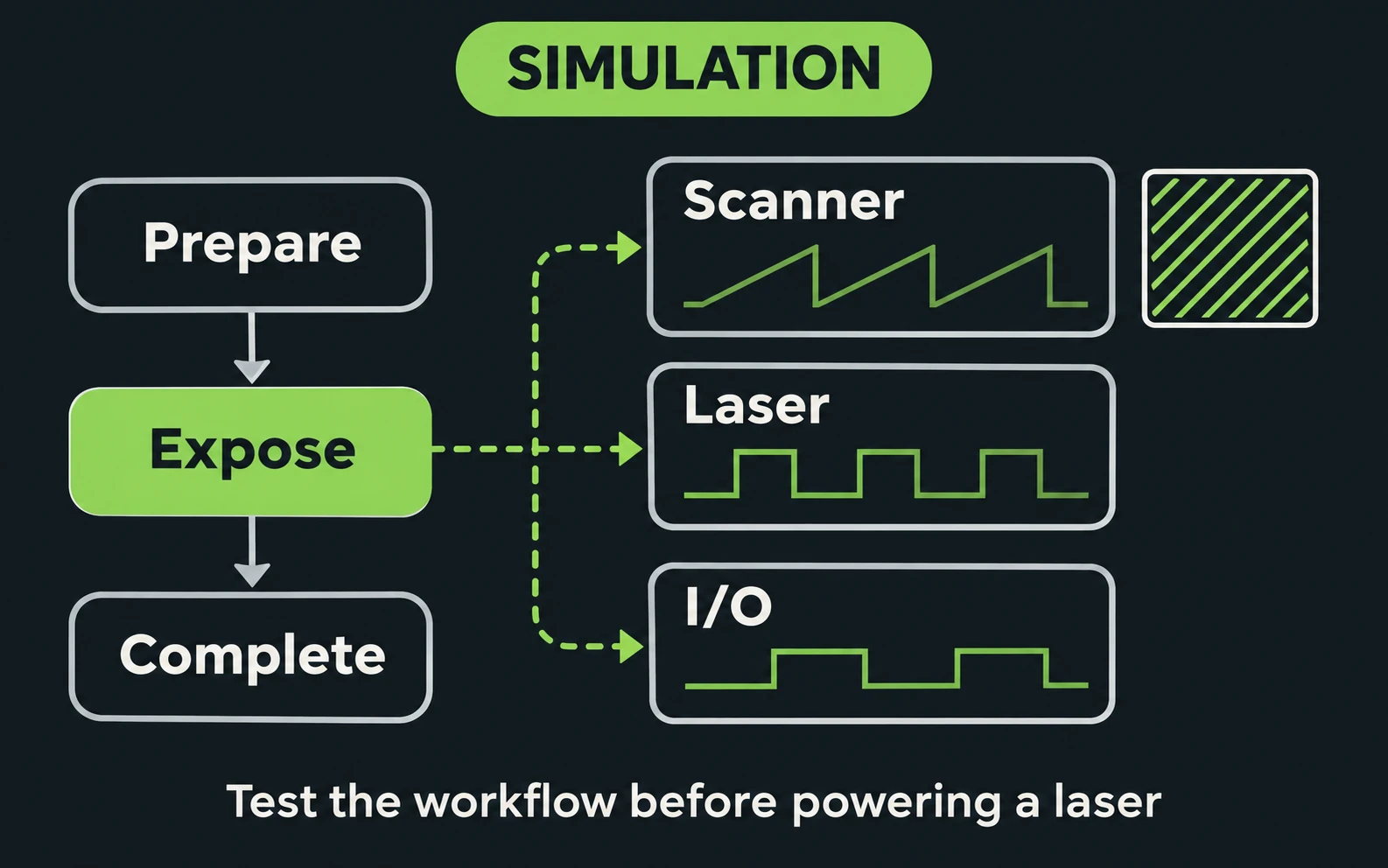
Run the complete machine software without hardware. Use simulation drivers to test machine logic and workflows before powering a laser.
Every machine state and transition is drawn live in the operator interface, so mechanical engineers can follow the machine without reading code.
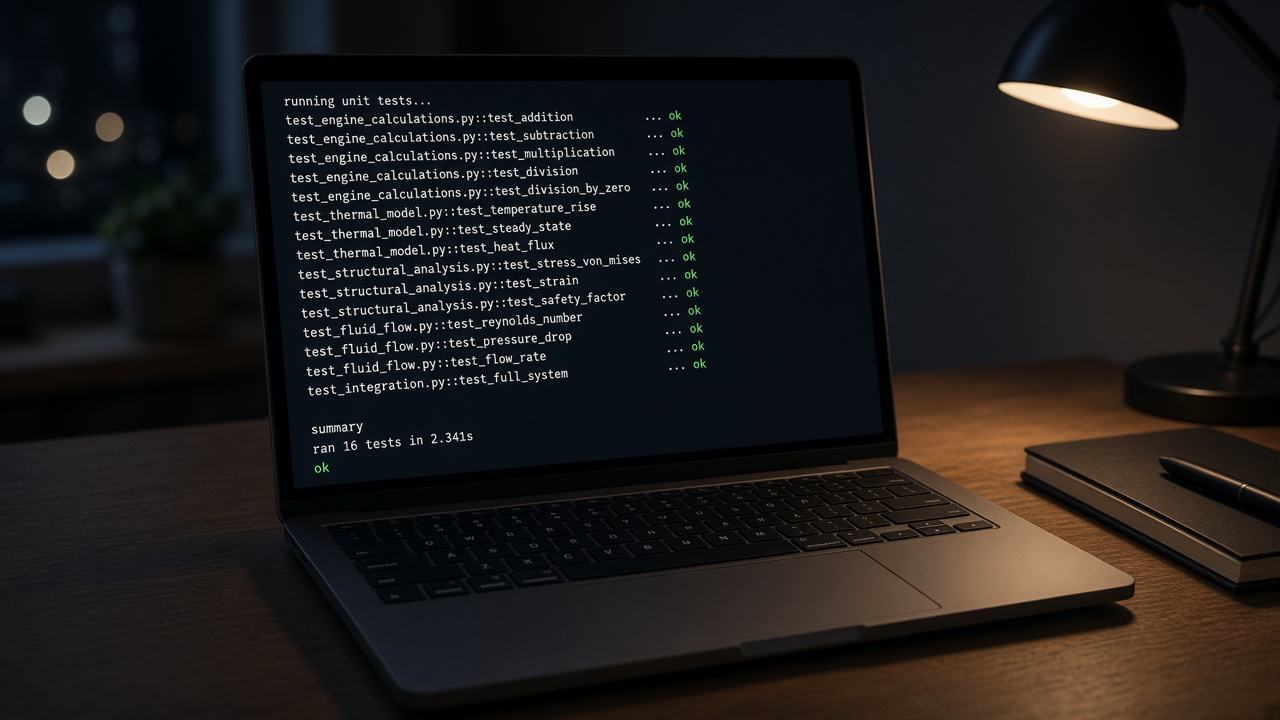
An update can run the unit-test suite before it goes on the machine.
Drivers use vendor SDKs to connect supported scanners, lasers, PLCs, motion systems and cameras. If you use non-standard hardware, talk to us about integration.
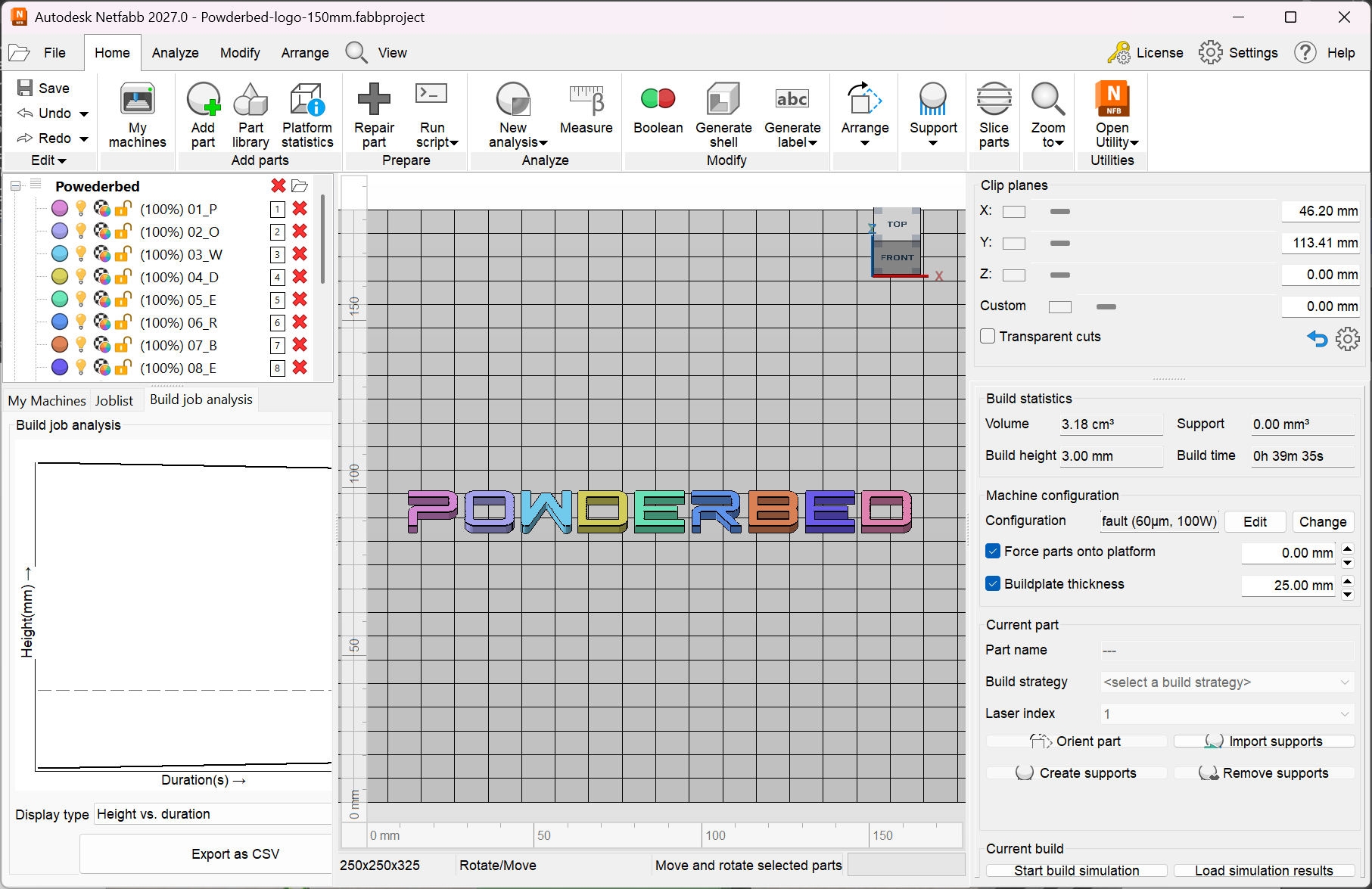
Metadata can flow from a Fusion CAD model, through toolpath generation, to the machine. Adjustable build styles are included with Core 1. A custom build style is quoted.
Build preparation shown in Autodesk Netfabb.
Control
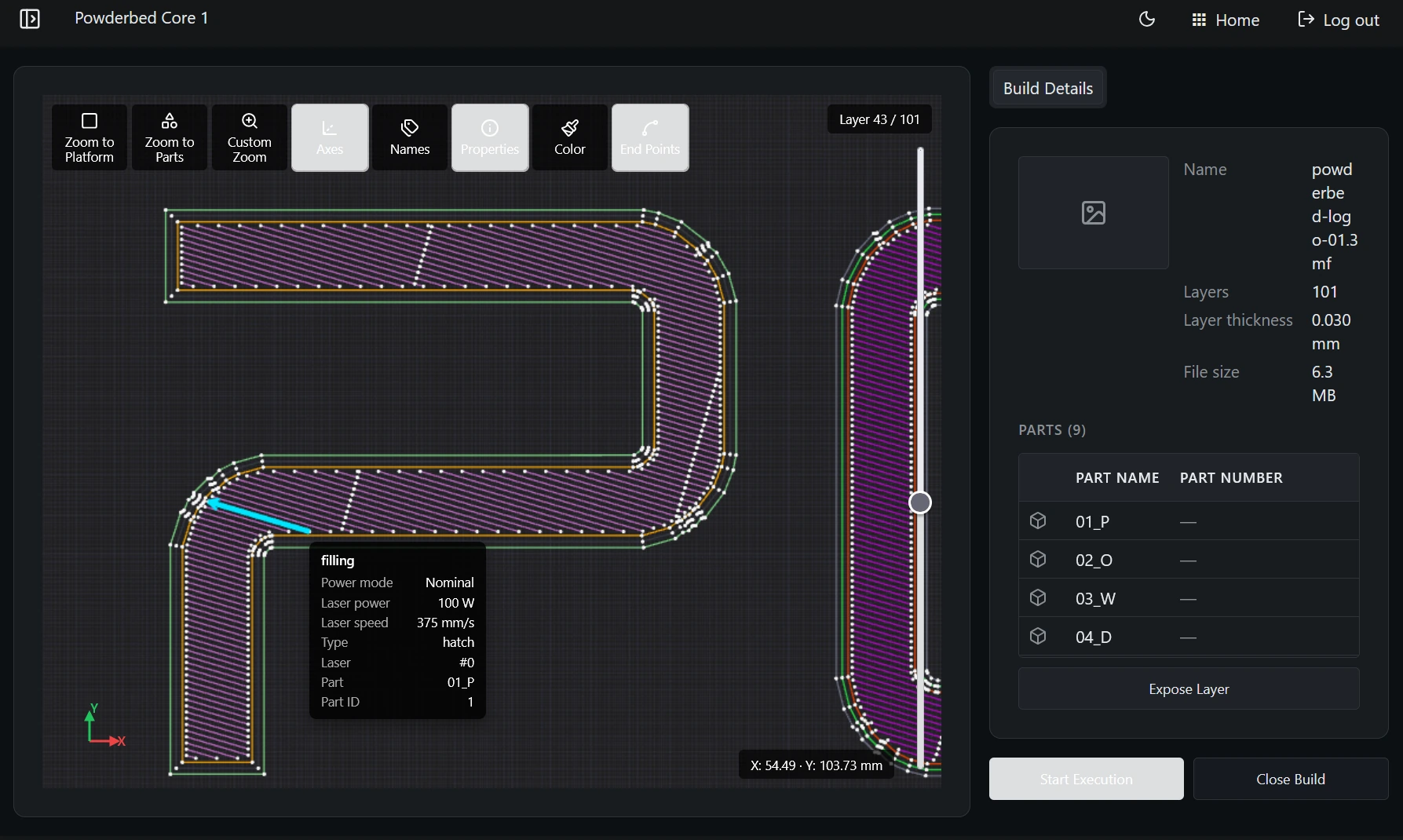
Build files use the 3MF toolpath extension. Set laser power, speed and delays per vector. Use power ramps to vary laser power within a vector.
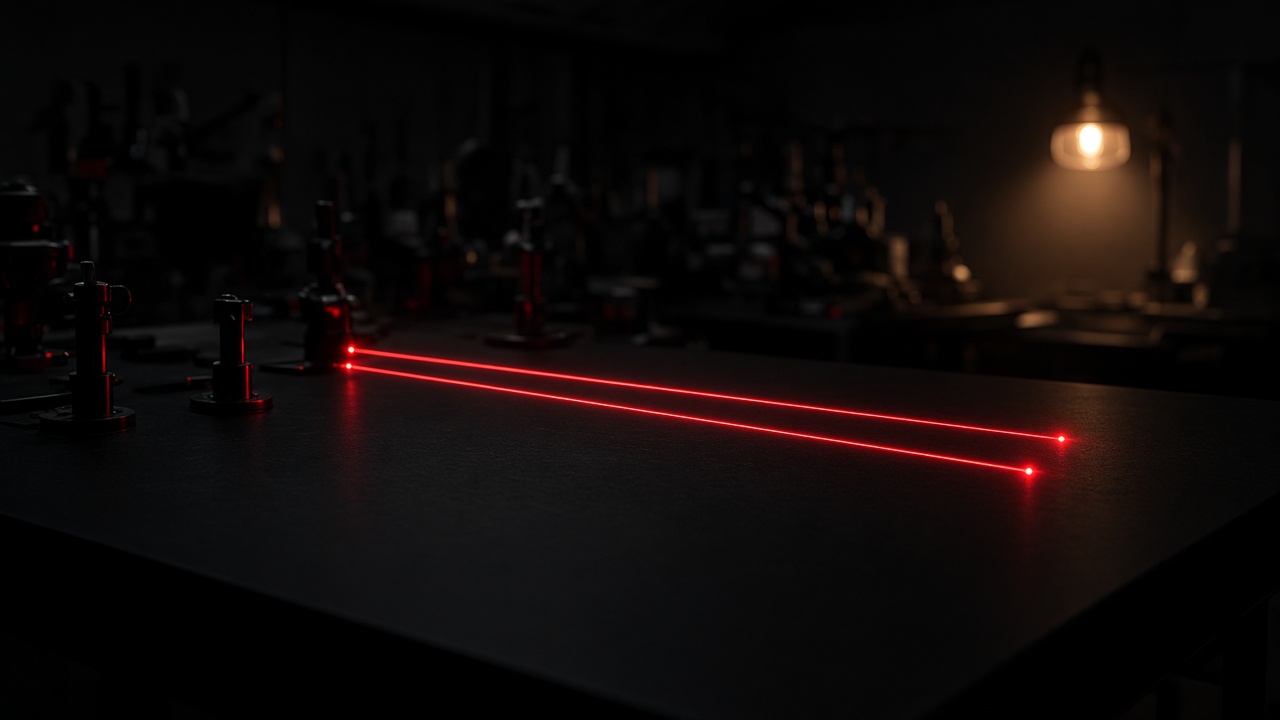
Core 2 and Core 4 synchronize lasers in hardware. Core 1 is one laser.
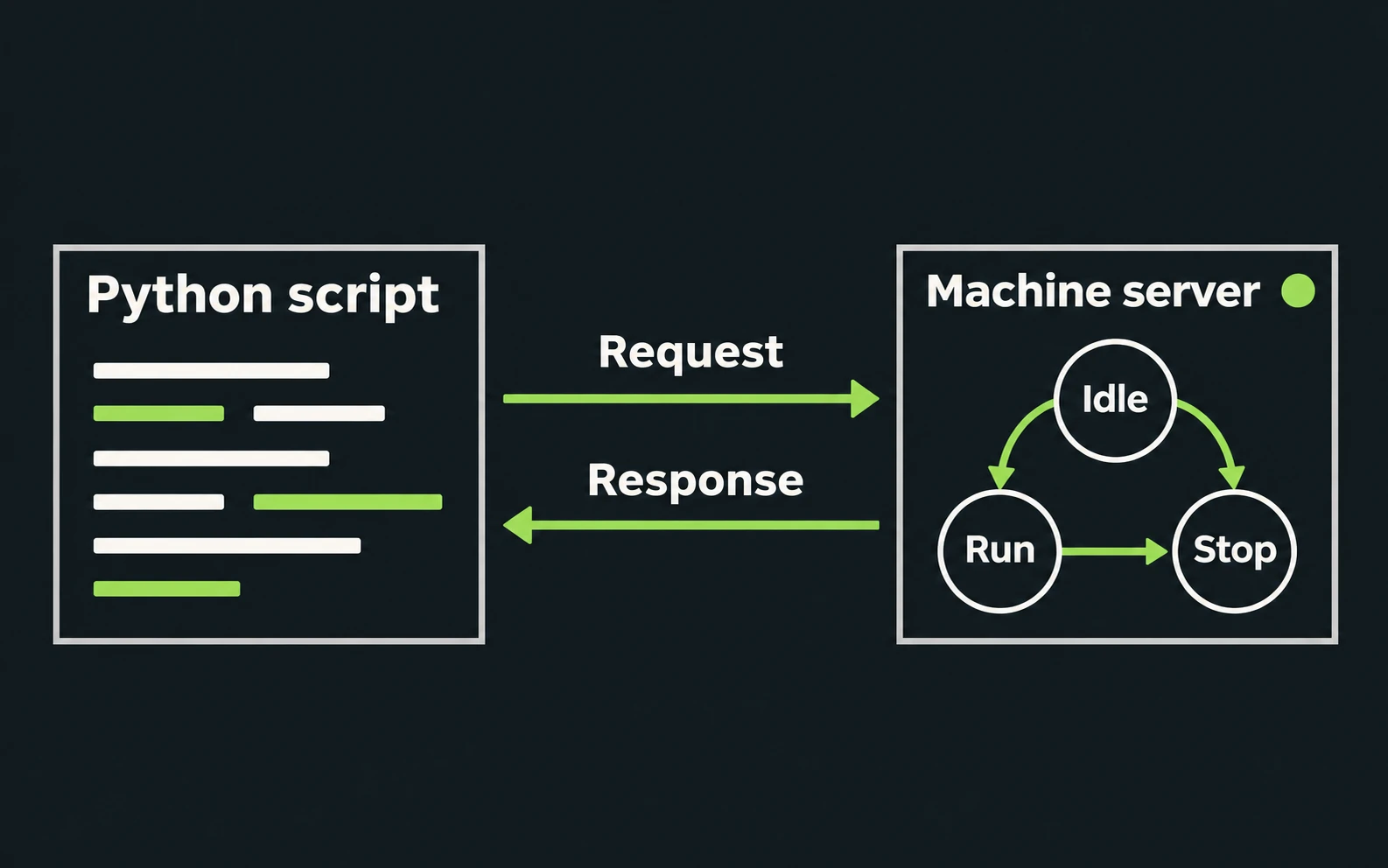
A Python script can drive the machine over the REST API on Ethernet.
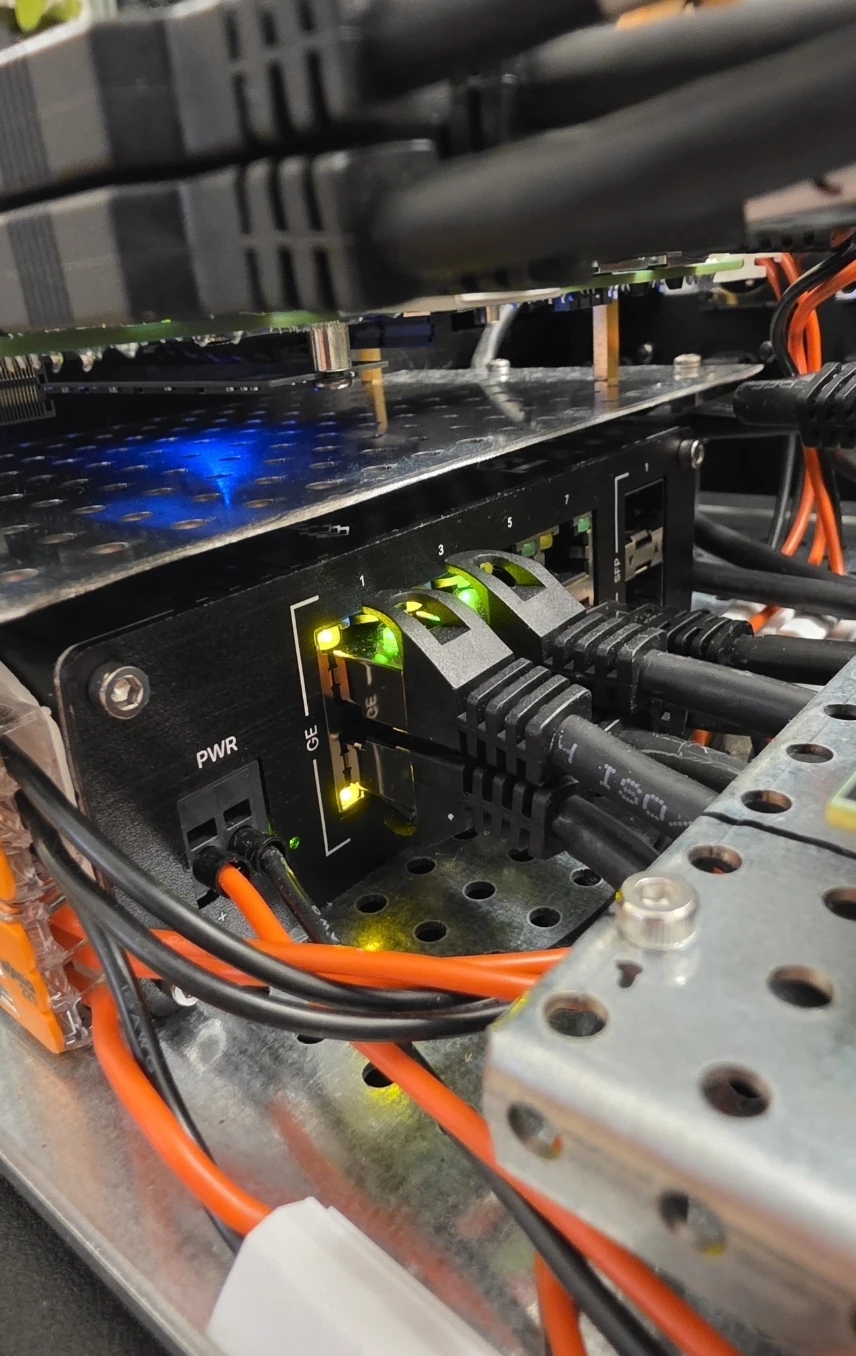
Connect compatible PLCs, sensors, cameras and other auxiliary devices to Core 1's local equipment network through four switched Ethernet ports. The operator interface and automation scripts can also access Core 1 over the network.
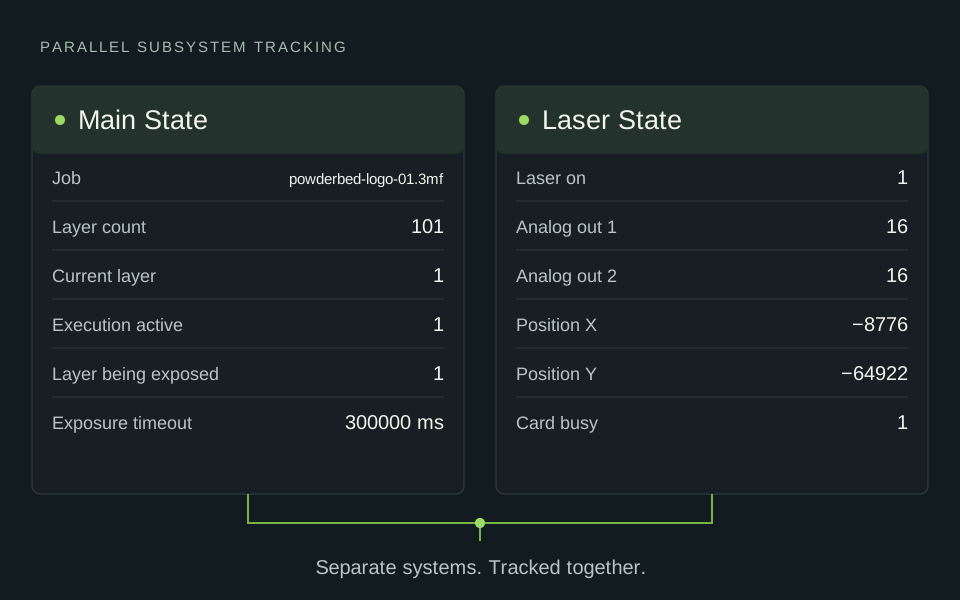
Subsystems run in parallel and talk through recorded signals. The machine stays responsive, and every handshake is traceable.
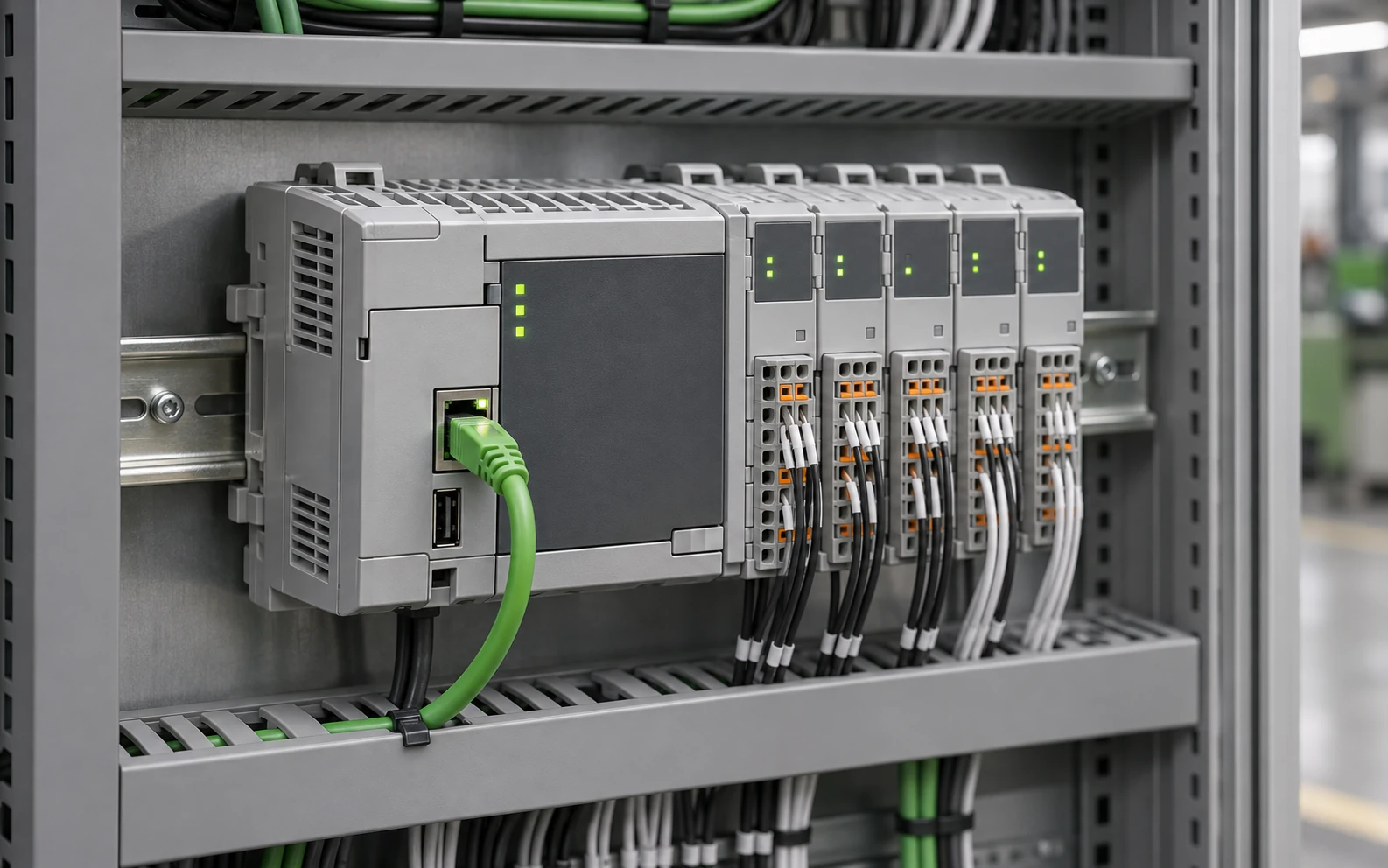
Talk to PLCs and devices over Modbus TCP, TCP/IP, OPC UA and Beckhoff ADS, directly from your process code.
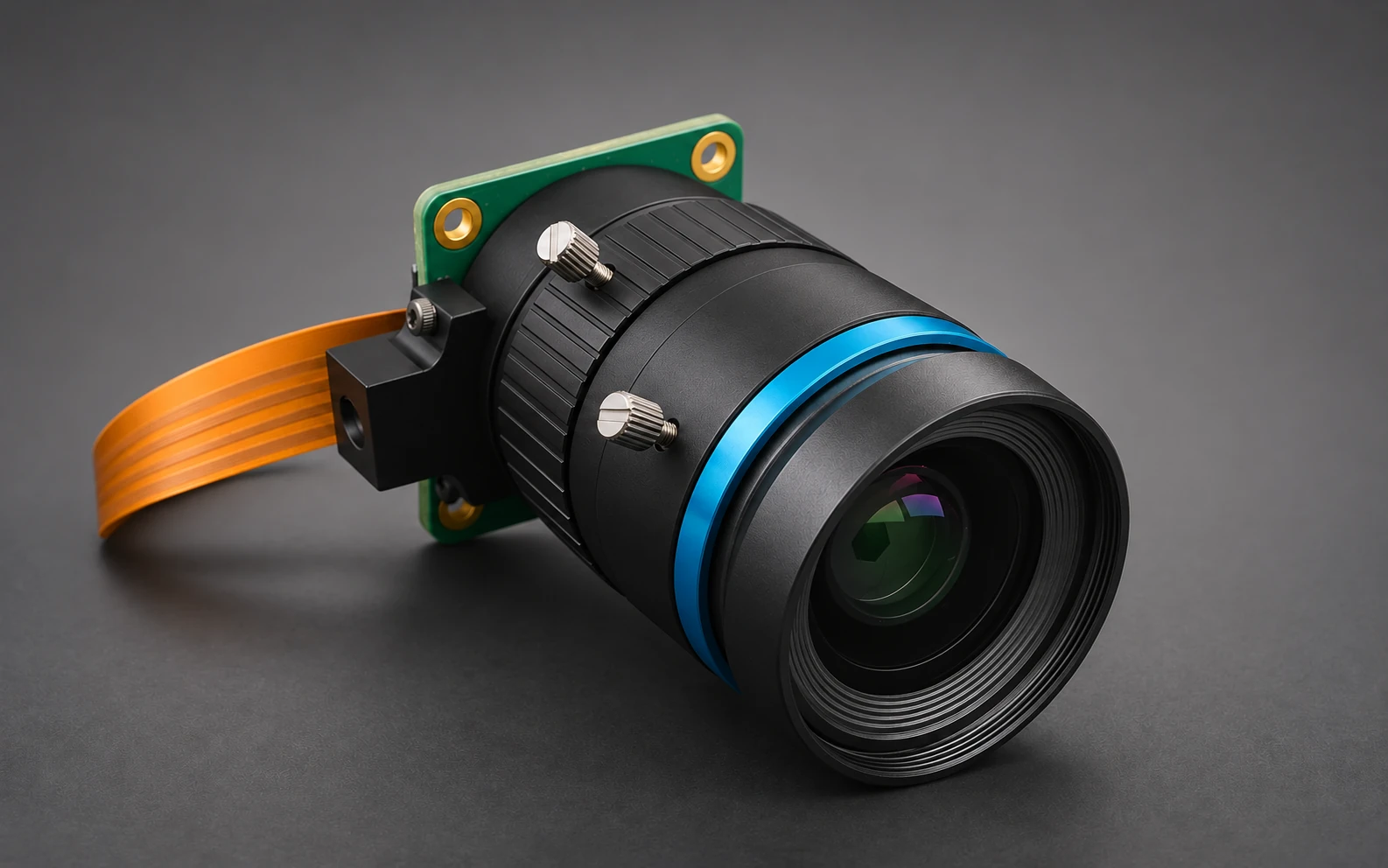
Integrate camera images directly into your process control. Archive images in your data lake and link them to the machine journal. Stream live video straight into the operator interface.
Record & analyse
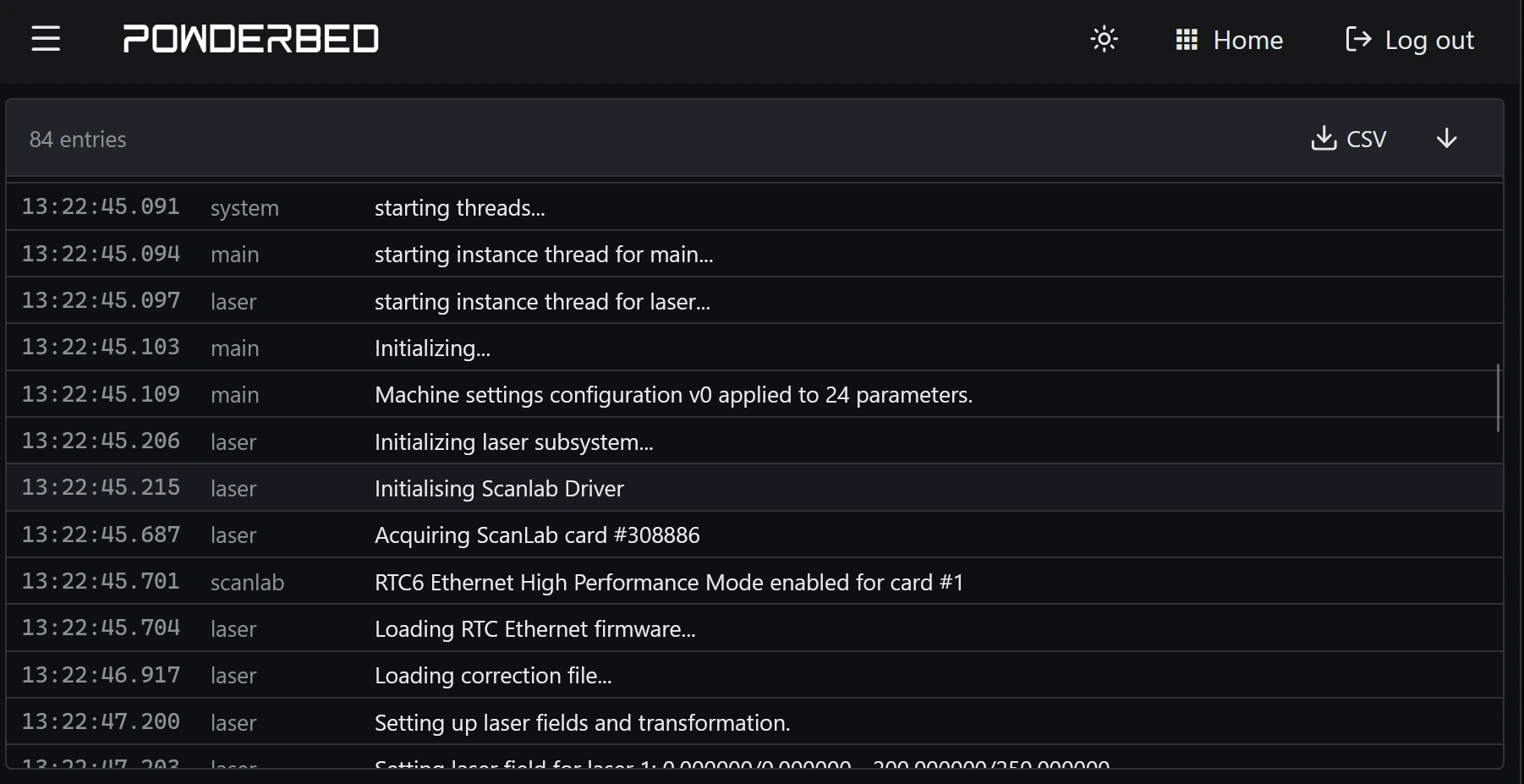
Everything that happens on the machine is recorded with microsecond timestamps and can be retrieved later. Replay any job in retrospect.
Plot recorded process parameters and inspect how they change over time.
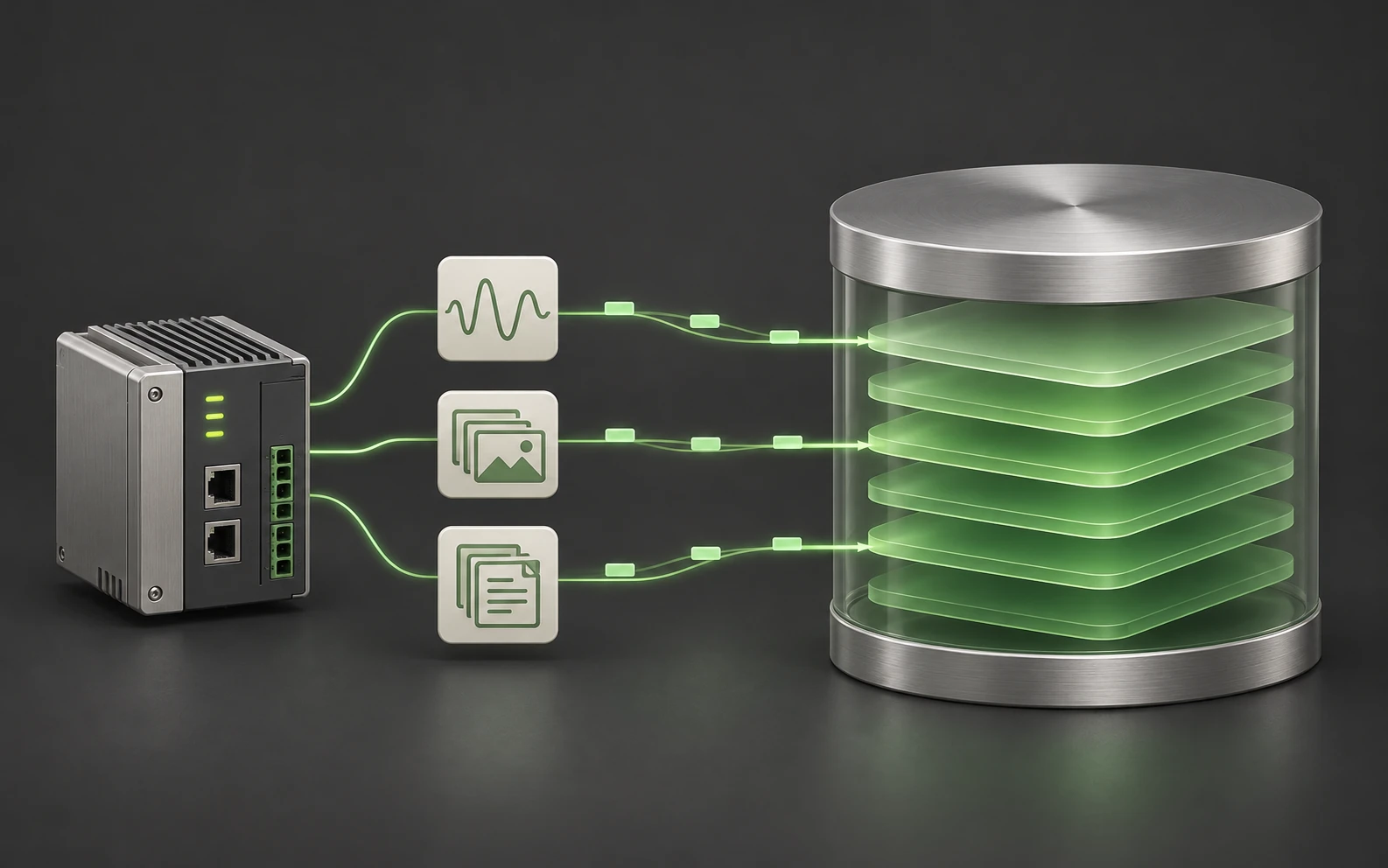
Stream your recordings directly to AWS or your private cloud.
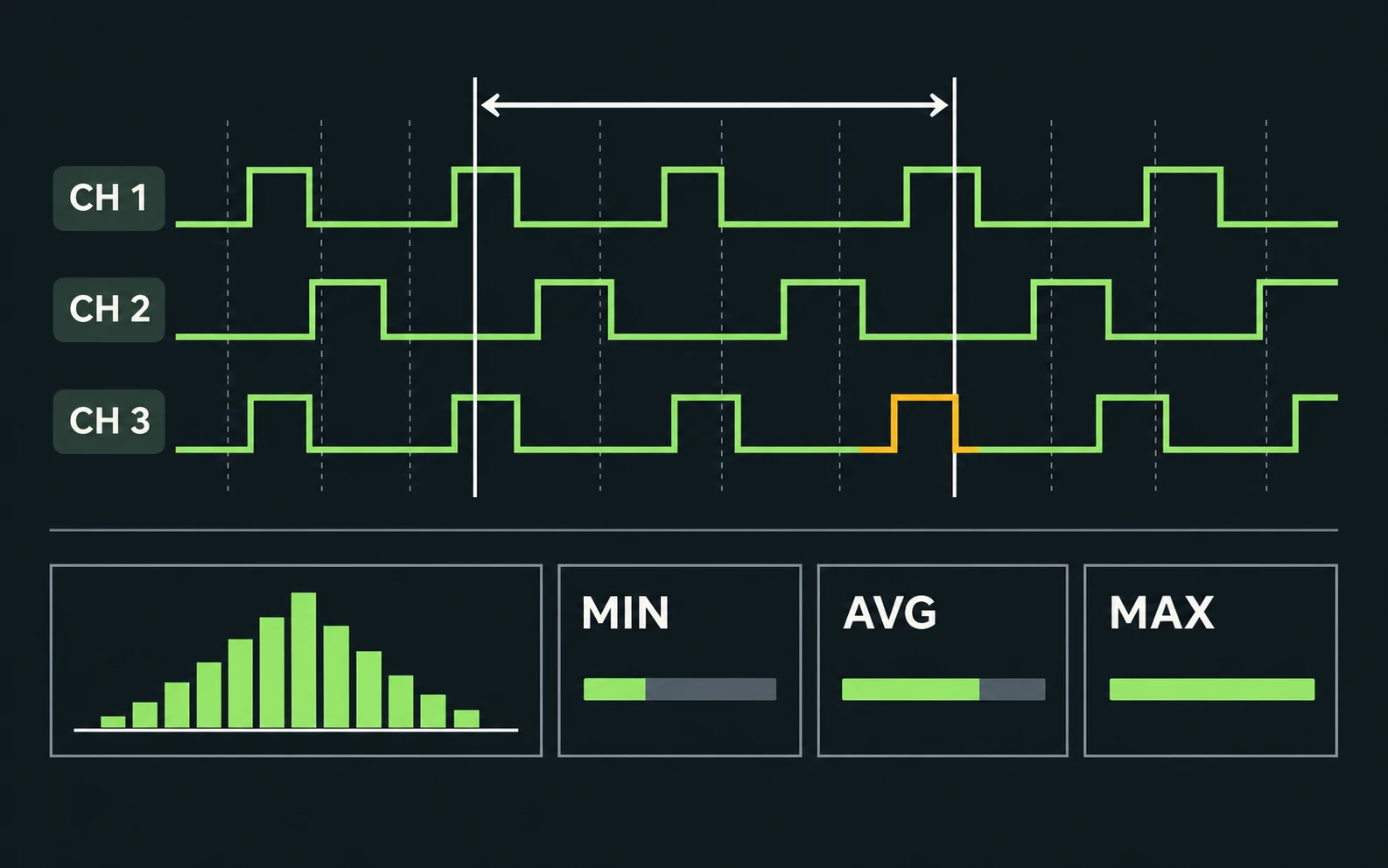
Telemetry channels measure timings and intervals inside the machine, with statistics ready for diagnostics.
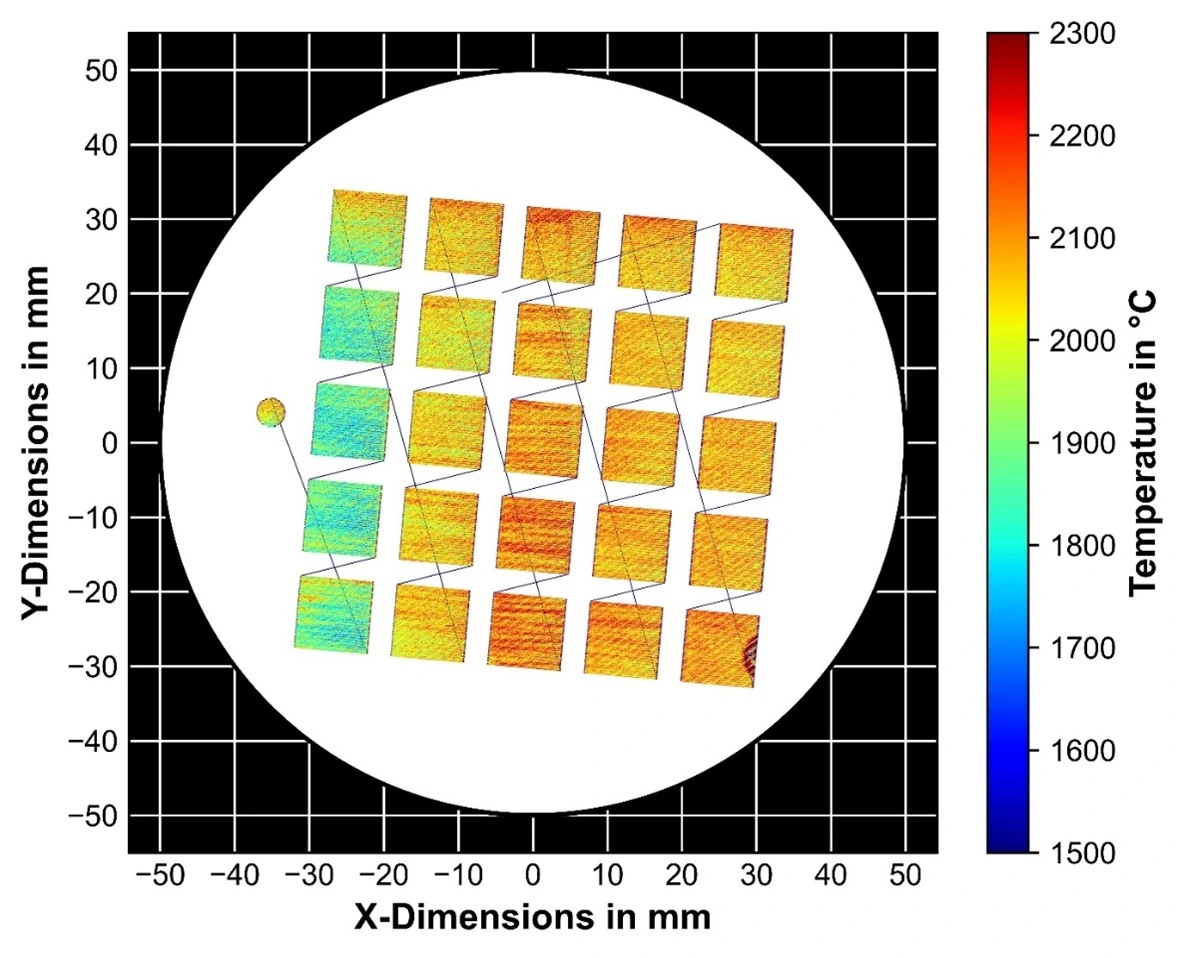
Store 2D field data and PNG or JPEG images for every layer, for melt pool maps, thermal images and camera snapshots.
Research example. Image source: Autodesk Fusion Blog — read the case study ↗
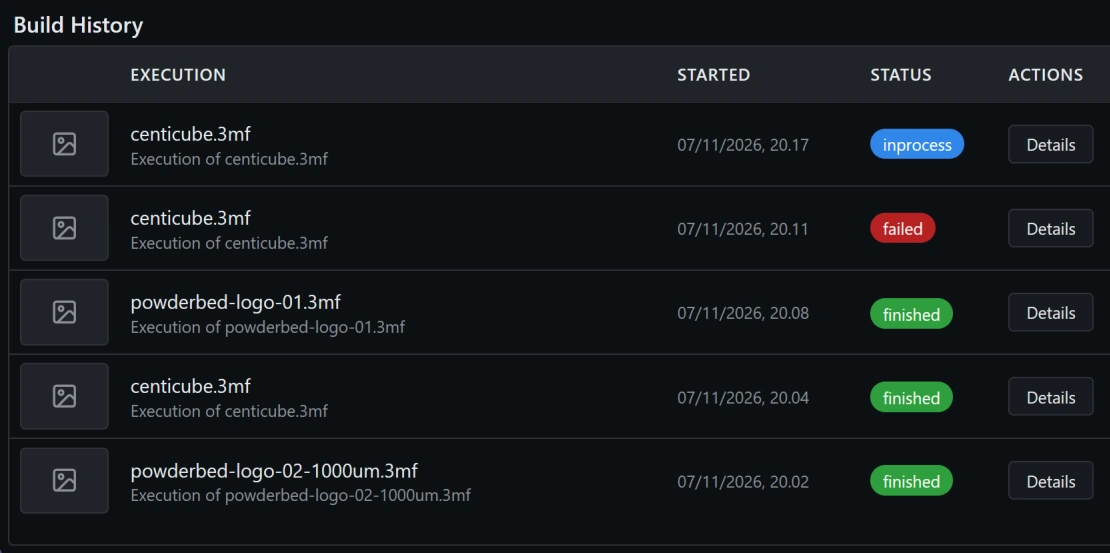
Builds, executions and their data are listed in the interface and stay linked to the journal.
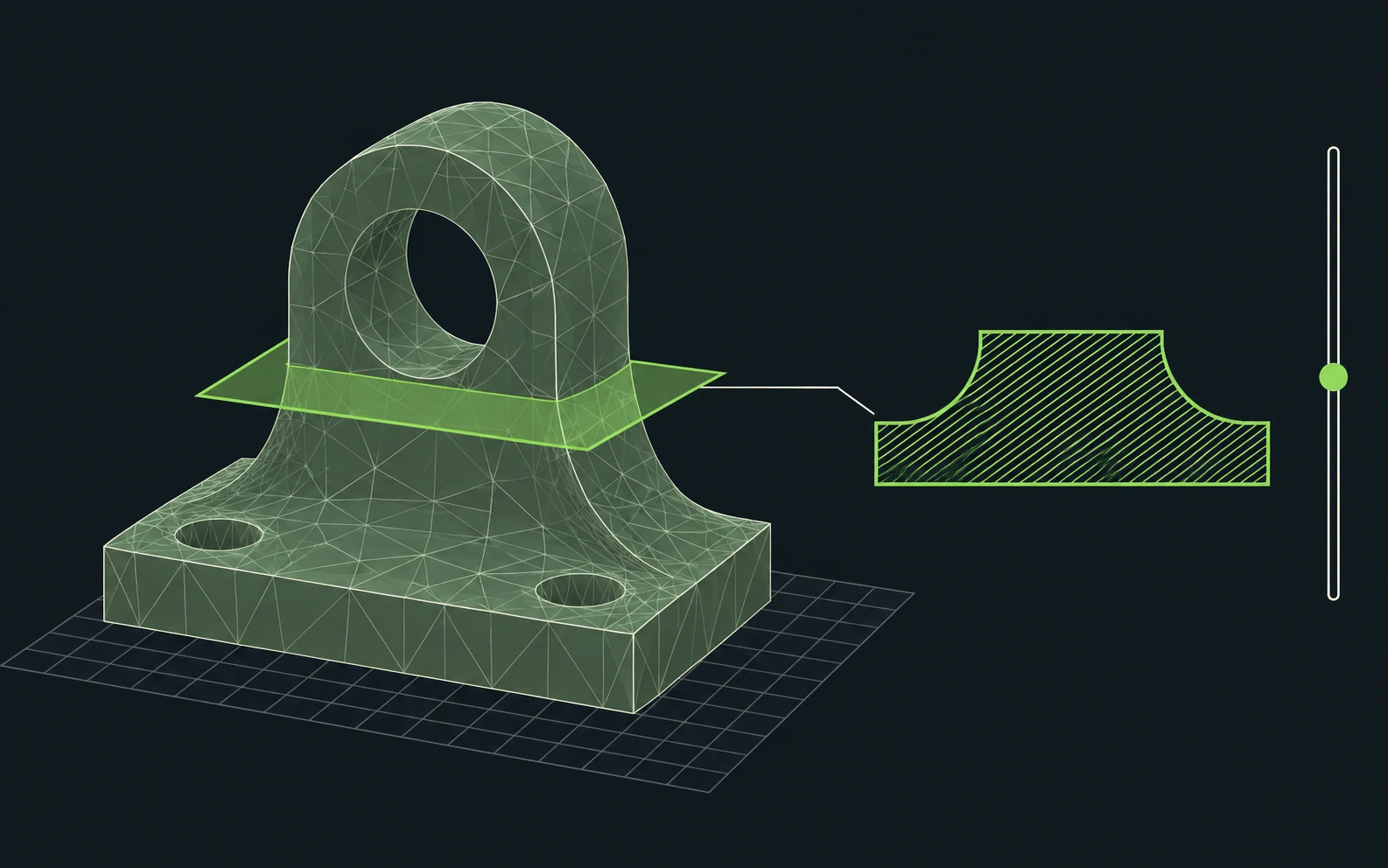
A 3D scene of meshes and parts, with a layer view, shows what is being built.
Close the loop
Partner integrations and examples built on the same framework. Sensors and cameras are supplied separately.
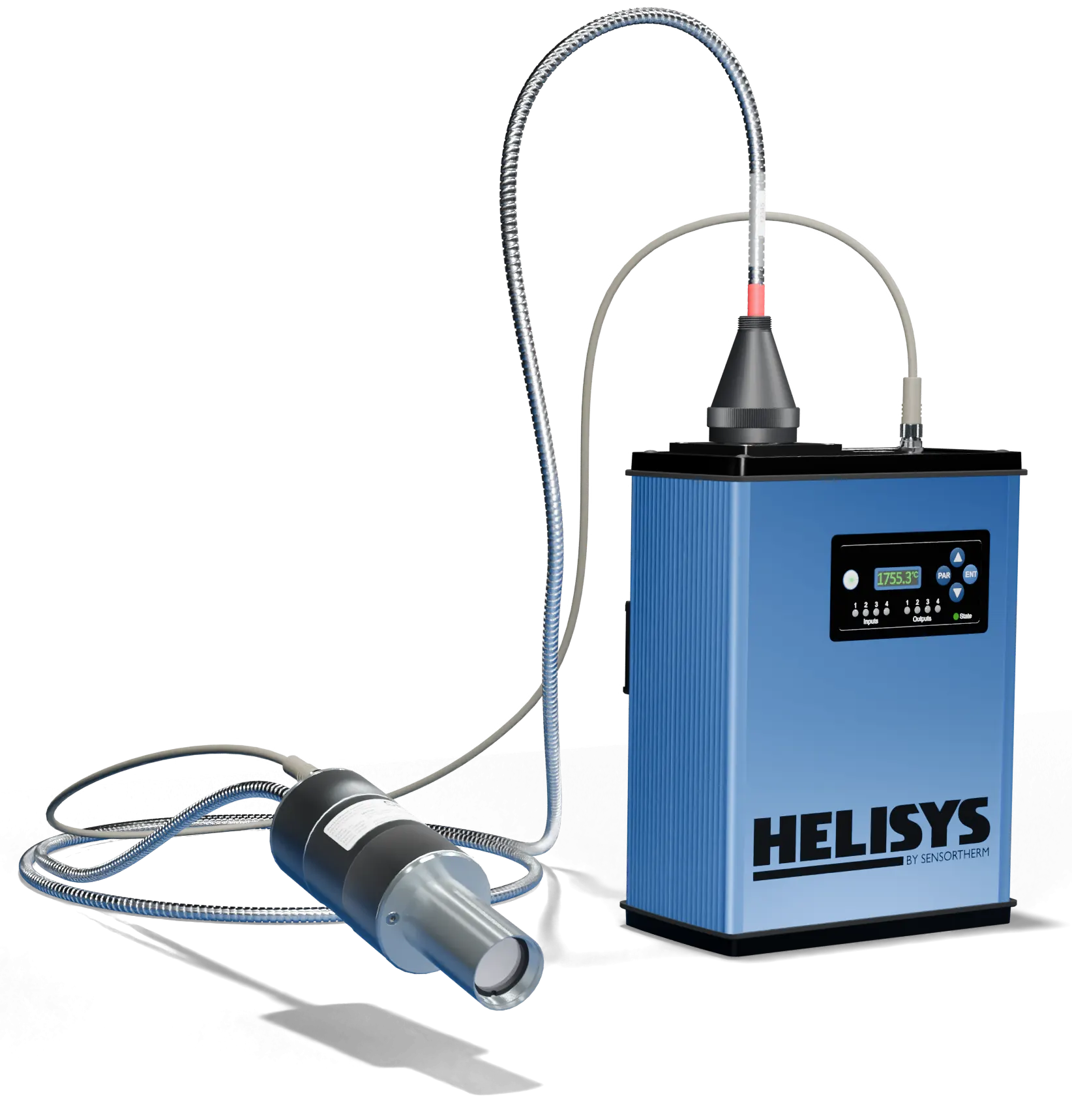
We’re working with Sensortherm to integrate the H4 pyrometer into POWDERBED. In its LiM 2023 study, Aalen University used a Sensortherm METIS H322 to measure melt pool temperature during LPBF on a system built on this same framework.
Read the LiM 2023 study (PDF) ↗ · Explore HELISYS on Sensortherm’s website ↗
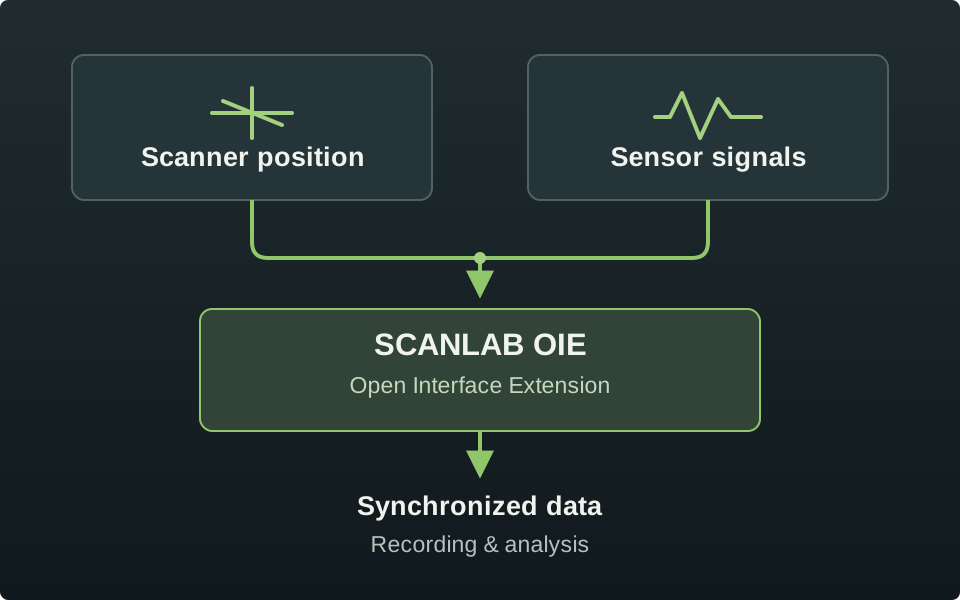
An RTC6 can run sensor apps on the SCANLAB Open Interface Extension and record those signals with the scanner signals.
Camera drivers can store a thermal image of a layer. The BIAS RegelMap case study shows how recorded layer data can inform the next exposure on this same framework.
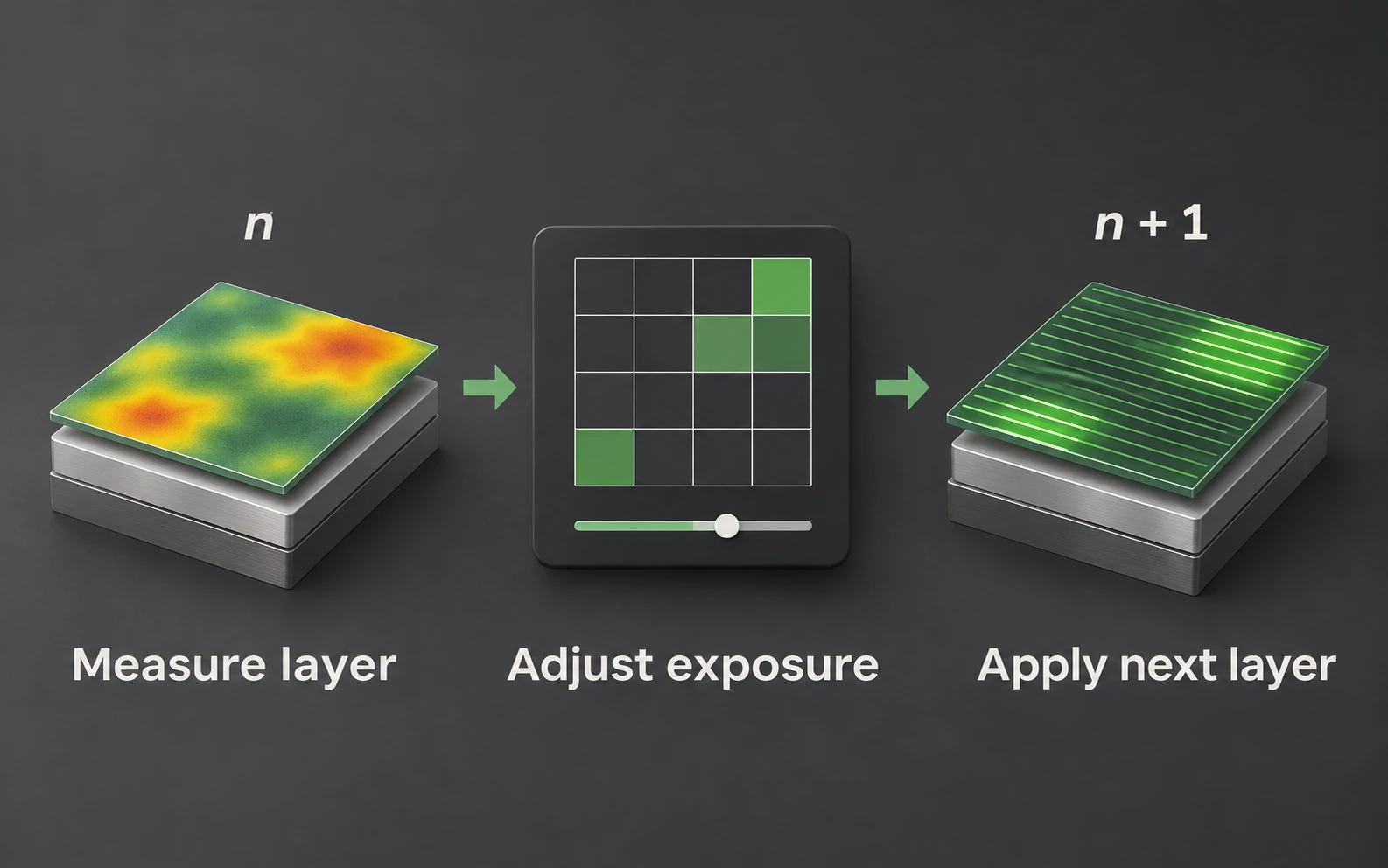
The BIAS RegelMap case study demonstrates inter-layer thermal control for metal LPBF on the same open framework.
Deploy & maintain
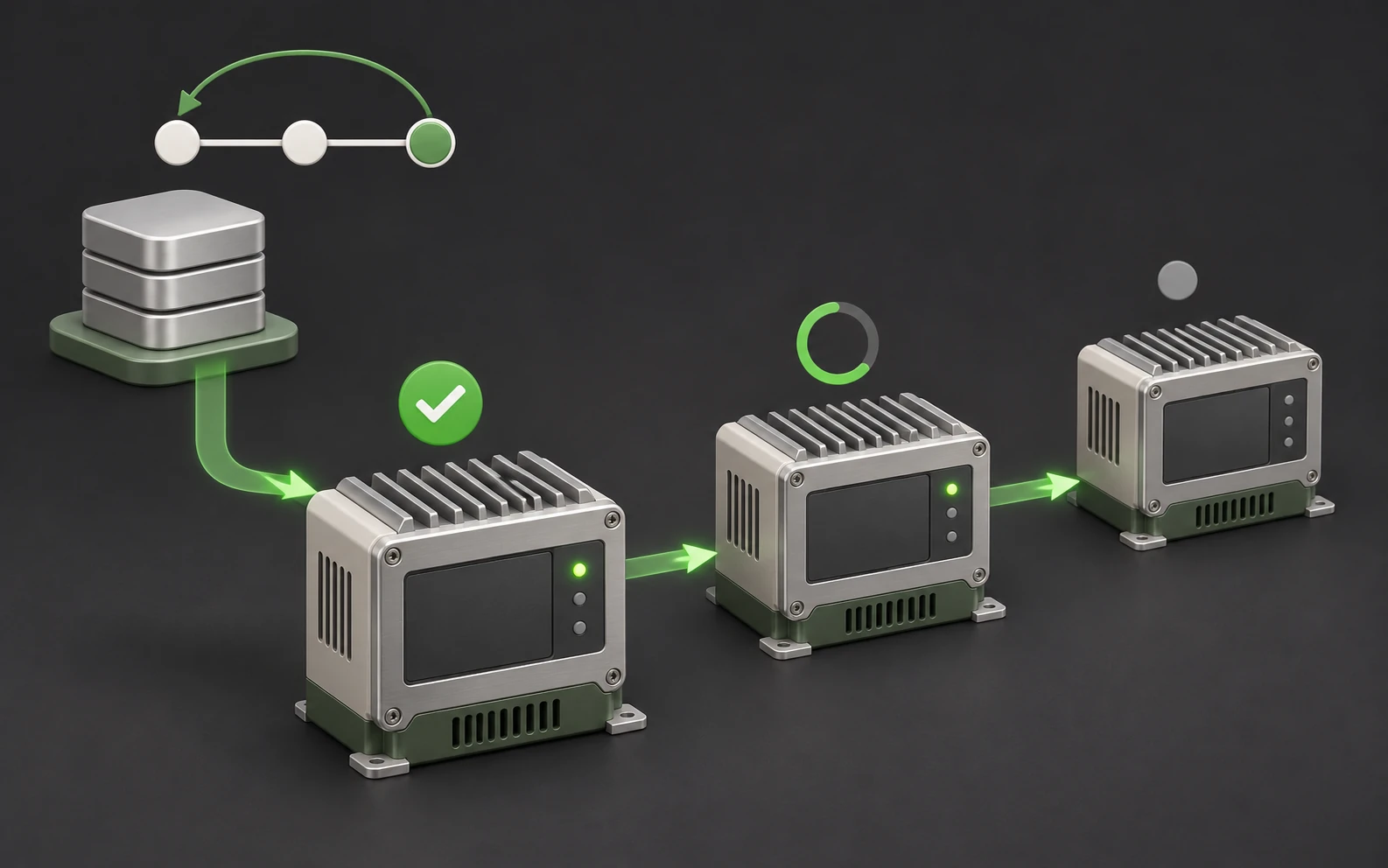
Deploy your machine state directly from git, including all subsystems. Go back in time to any state you printed a job with in the past.
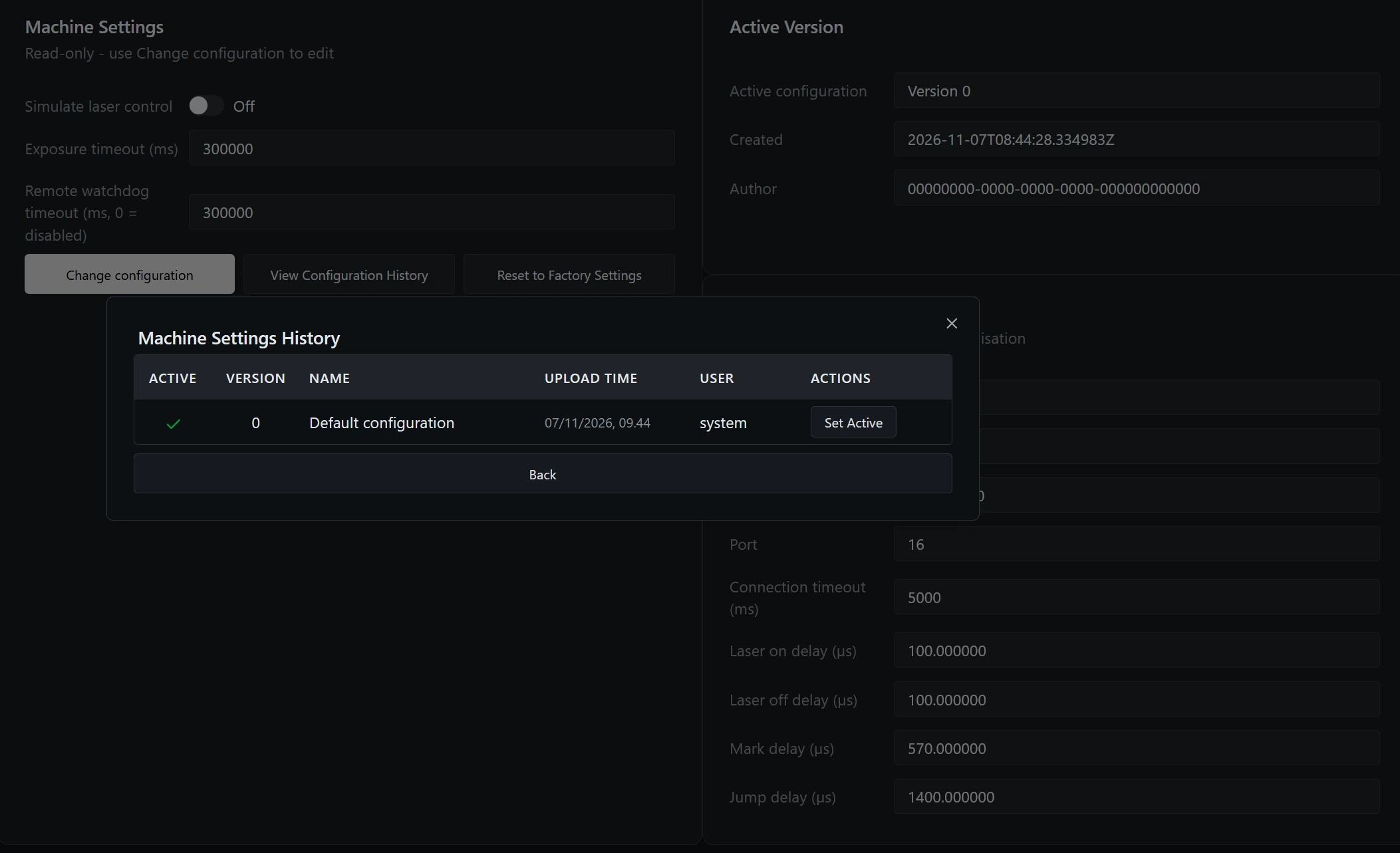
Machine configurations are versioned and validated against XML schemas, so every change is checked and traceable.
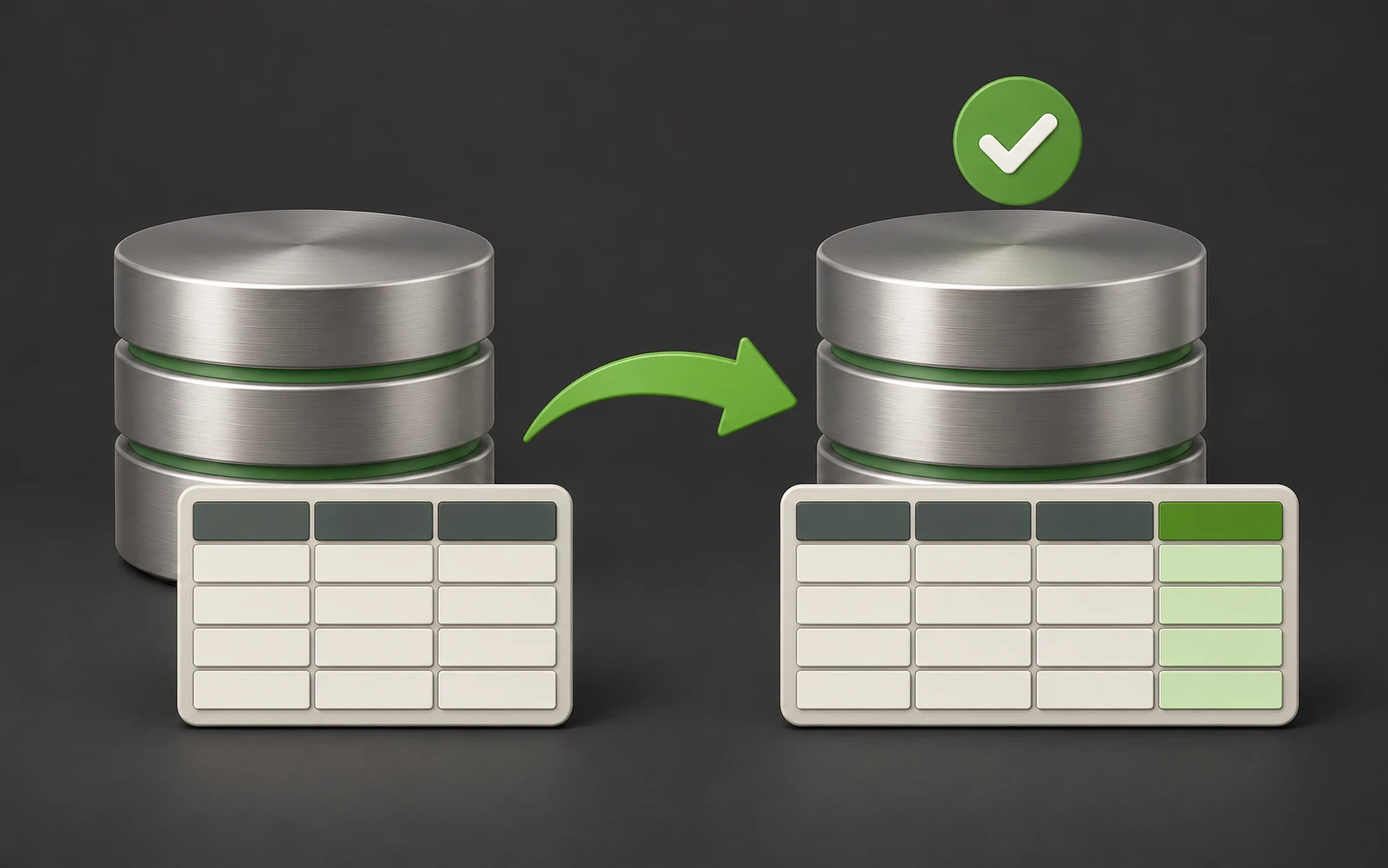
Builds, logs and settings live in one SQLite database that migrates with every update, so machine data is never lost.
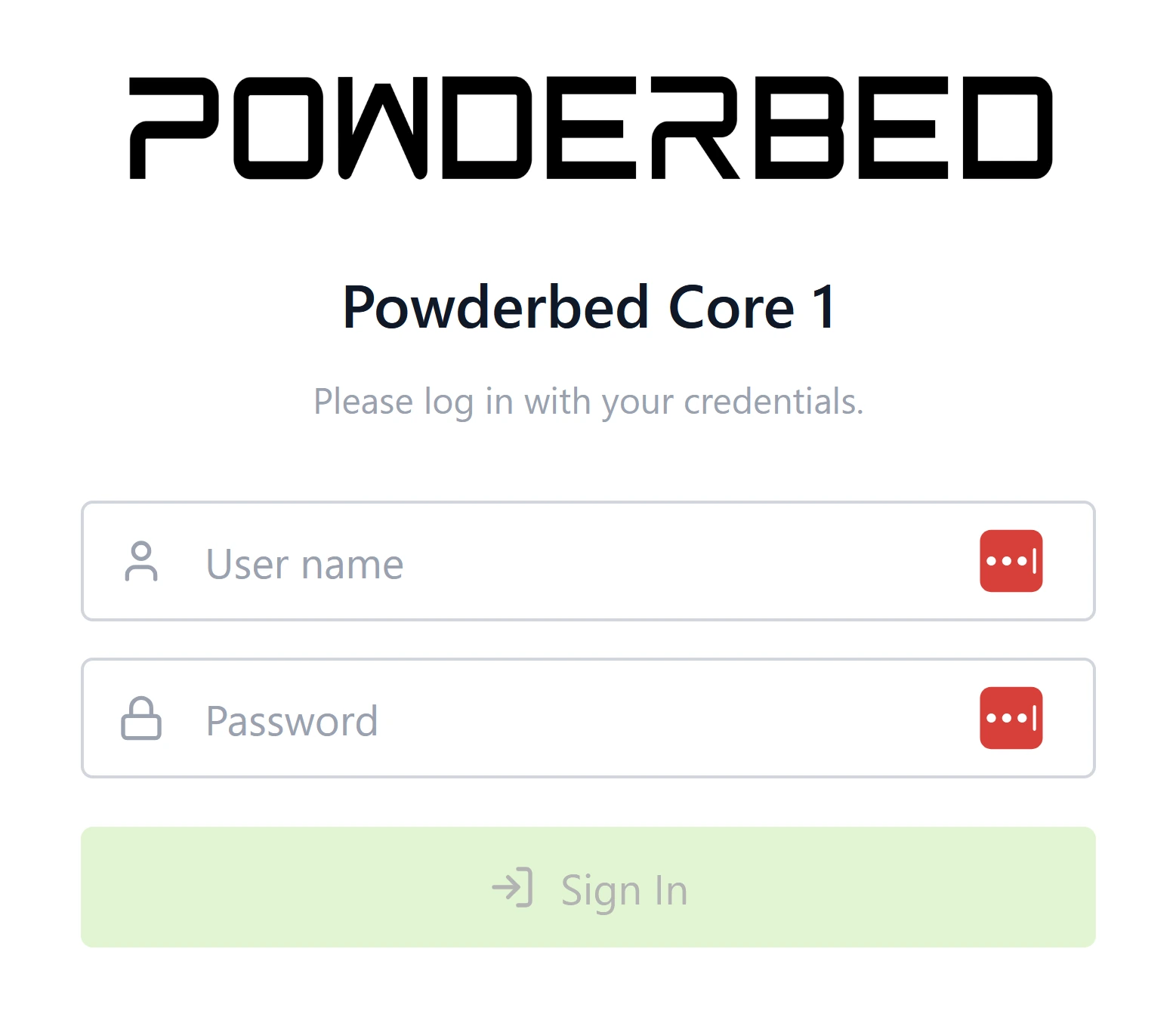
Logins and permissions define who can do what, with a record of who did what and when.
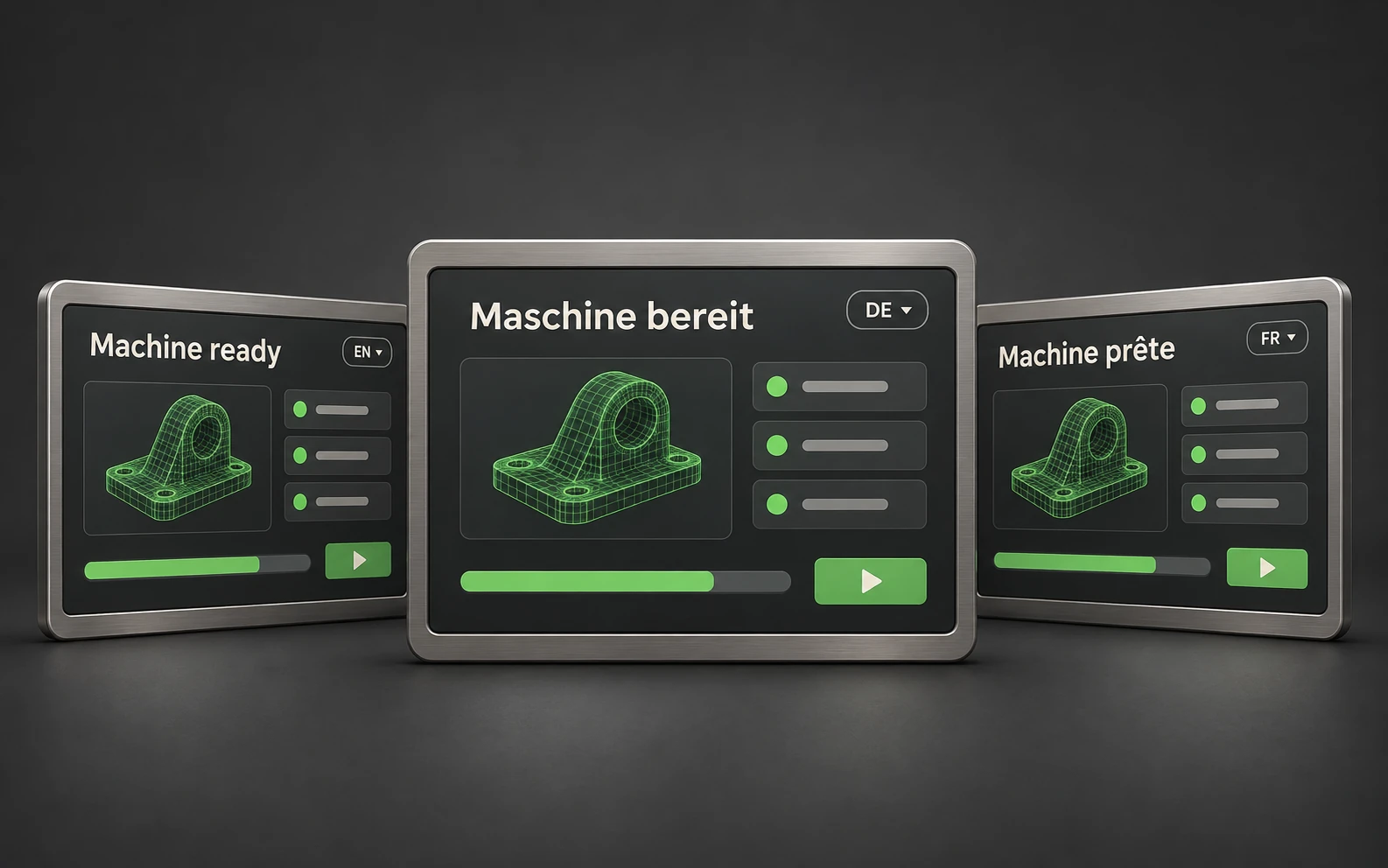
Adapt the operator interface to multiple regions and languages.
Start a build from the Build Library and follow its execution, system status and live state machines. Explore build and process history, machine configuration and system logs.